Rebuilding levels
You have the option to completely restructure any level of the building, making it possible to create unique building designs that extend beyond what the New Building tool can achieve.
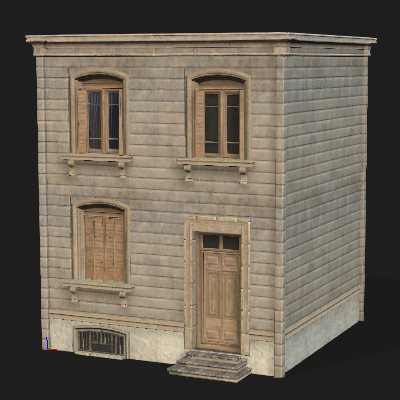
- Deploy an existing building or use the New Building panel to create one.
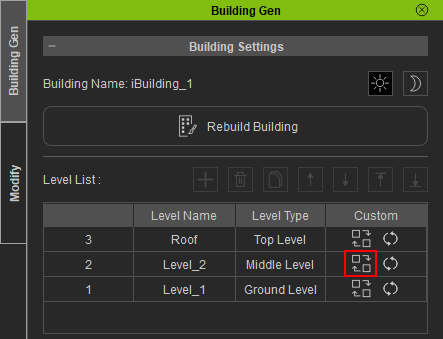
- Select the building and launch Building Gen. In the Level List, choose a level to edit and click the Rebuild icon.
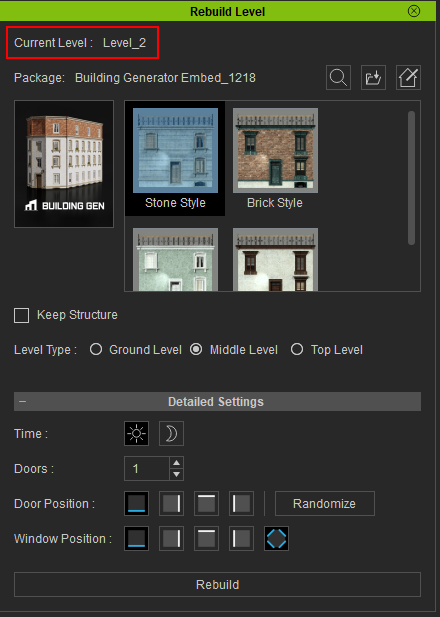
- Choose a Level Type to target a certain floor.

- The Ground Level typically features taller walls with pillars to accommodate the heights of doors.
- The Middle Levels only support walls and windows.
- The Top Level functions as the building’s ceiling, featuring models that resemble the roof of the building.
- Click the Rebuild button to remake the chosen floor of the building.

Within the Rebuild Level panel, the Current Level field will display the name of the chosen level.
 Note:
Note:
You also have the opportunity to alter the building style while reconstructing its levels. For instructions on modifying the building style, see here.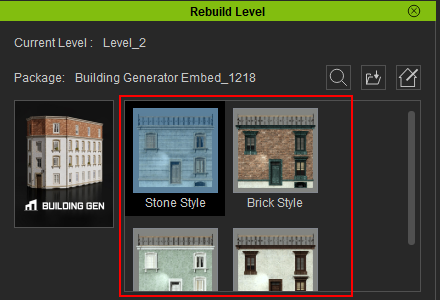
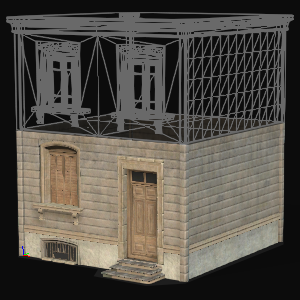
|
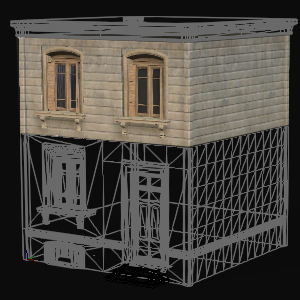
|
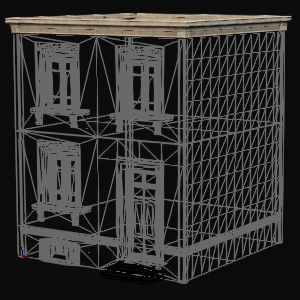
|
|
Ground Level |
Middle Level |
Top Level |
Adjust the Detailed Settings to create a unique building configuration.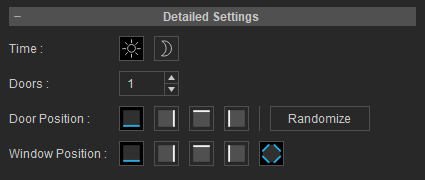
The chosen level will be redesigned.
|
|
|
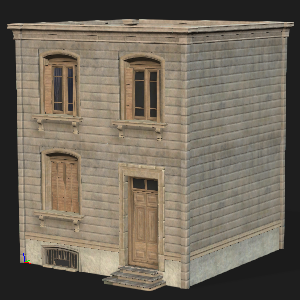
The original building structure. |
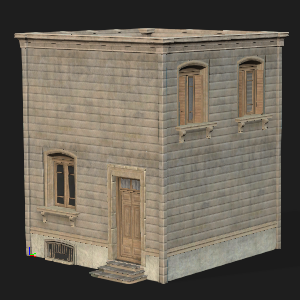
The same building, after the second floor has been redesigned. |
